Quick answer
A text reminder app automatically texts your clients before an appointment so they don’t forget — cutting no-shows without any manual work. You connect the app to your calendar, set a message and timing once, and it sends reminders for every appointment from then on. The best text reminder apps also support two-way texting, so clients can reply to confirm, cancel, or reschedule. SMS Reminder is a text reminder app built around Google Calendar: it reads your existing calendar and sends automatic, two-way text reminders in minutes.
What is a text reminder app?
A text reminder app is software that sends automated SMS text messages to clients ahead of a scheduled appointment. Instead of calling or texting each client by hand, you set it up once and the app handles every reminder automatically.
A good one does three things: sends the reminder at the right time, includes the details that matter (name, date, time, business), and gives the client an easy way to respond — ideally by simply replying to the text.
How to send automatic text reminders
- Connect your calendar. With SMS Reminder, you connect Google Calendar via a secure sign-in — no code.
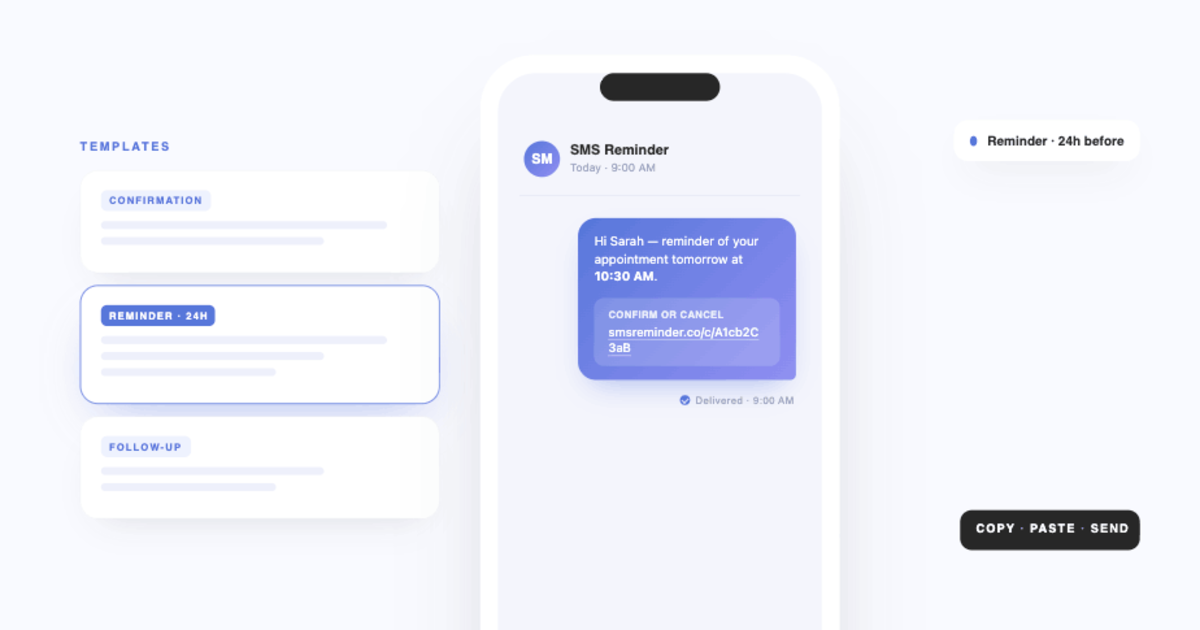
- Set a template and timing. Write the message once and choose when it sends (for example, 24 hours and 1 hour before).
- Add a phone number. Add the client’s number to the appointment, or take bookings through a booking page.
- Reminders send automatically. Every appointment triggers a text on your schedule.
- Clients respond. They reply to confirm, cancel, or ask to reschedule — or tap a link — and the status updates automatically.
Most users are sending reminders within about 10 minutes.
What to look for in a text reminder app
- Calendar integration — ideally a direct connection to the calendar you already use (like Google Calendar), not a Zapier bridge that adds delay.
- Automatic sending — new appointments should trigger reminders with no manual step.
- Two-way replies — clients should be able to reply to confirm, cancel, or reschedule, not just receive a one-way text.
- Customisable templates — control the wording, with fields for name, date, time, and location.
- Flexible timing — send more than one reminder at different lead times.
- Transparent pricing — pricing that scales with how many reminders you actually send.
Text reminders vs email and calendar alerts
Email reminders get buried, and a calendar alert only notifies you, not the client. A text lands on the client’s phone and is usually read within minutes — which is exactly what you want for a reminder that needs to be acted on before the appointment. That immediacy, plus the option to reply, is why text reminders are the most reliable way to reduce no-shows for appointment-based businesses.
Getting started
- Send automatic text reminders from your calendar: Start your free trial
- See the step-by-step setup: how to send Google Calendar to SMS
- Compare options: best Google Calendar text reminder apps
Frequently asked questions
What is a text reminder app?
A text reminder app automatically sends text messages to your clients before an appointment — with the date, time, and business name — so they’re less likely to forget or no-show. The better ones let clients reply to confirm, cancel, or reschedule.
How do I send automatic text reminders?
Connect a text reminder app like SMS Reminder to your calendar, set a message template and reminder timing, and add a client’s phone number to the appointment. From then on, reminders send automatically before every appointment — no manual texting.
Is there a free text reminder app?
Most text reminder tools use a trial or a low starting plan rather than an unlimited free tier. SMS Reminder offers a usage-based free trial (25 reminders) so you can test it before paying, with plans from $19/mo.
Can a text reminder app receive replies?
Some can. With two-way texting, clients can reply to the reminder to confirm, cancel, or ask to reschedule, and the app responds automatically. SMS Reminder supports this; it’s worth checking whether an app is one-way only before you choose.
Do clients need an app to get text reminders?
No. Reminders are standard text messages, so any mobile phone can receive them — and reply to them — with no app to download.
Can I send text reminders from Google Calendar?
Yes. SMS Reminder connects directly to Google Calendar and turns each appointment into an automatic text reminder, so you don’t need to move your appointments into a separate system.